You ended a conversation but would like to get back in touch? On Heyama, an ended conversation is archived and you can reopen it. Follow these simple steps.
How to reopen an ended conversation
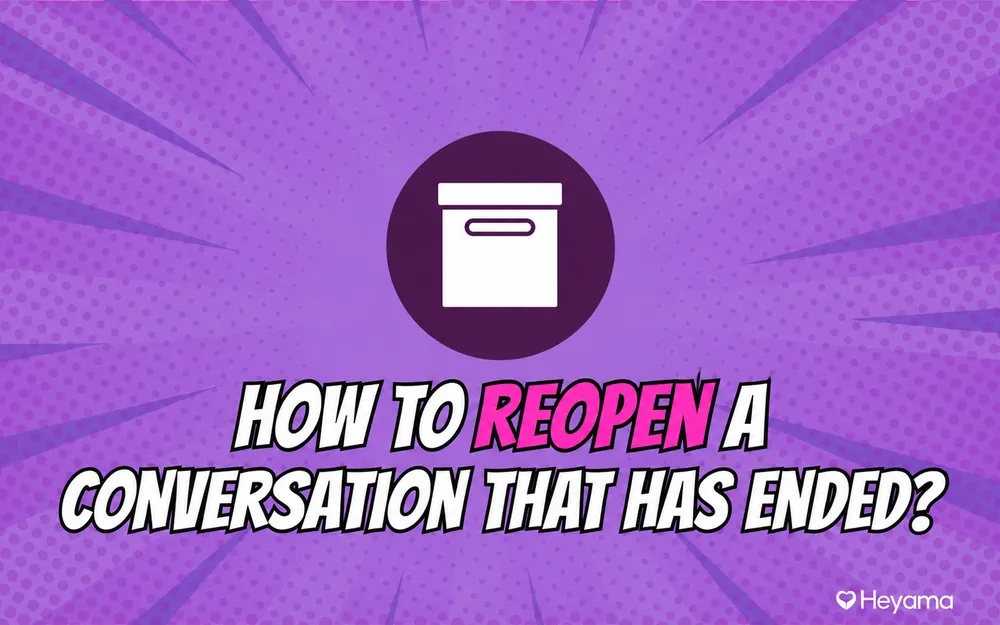
- Open the app and go to the "Chats" tab, then tap the archive (box) icon at the top right. It opens "Archives", with two tabs: Conversations and Matches.
- Scroll through the list until you find the conversation you ended.
- In the conversation you want to reopen, tap "Reopen the conversation".
That's it, the conversation is active again! You can pick up where you left off and continue your exchange.
Good to know before reopening a conversation
- Reopening a conversation you ended yourself is free. For a conversation archived for inactivity, your first 20 reopenings are free, then each one costs 100 coins.
- A conversation closed by blocking can only be reopened after you unblock the profile in Settings > Privacy > Blocked users (it may cost coins).
- Reopening a conversation does not guarantee the other person will reply right away. Be patient and respect their response time.
How to restart the conversation
After a break, a simple and sincere message works better than a long speech. For example: "Hi, I've been thinking about our chat and I'd love to pick it up again. How are you?" Avoid blame and endless explanations: the goal is to bring back a pleasant exchange.
To learn how a conversation is ended or how to block a profile, see our guide to ending a conversation, blocking or reporting a profile. And for conversations that last, find out how to chat with a profile you like.