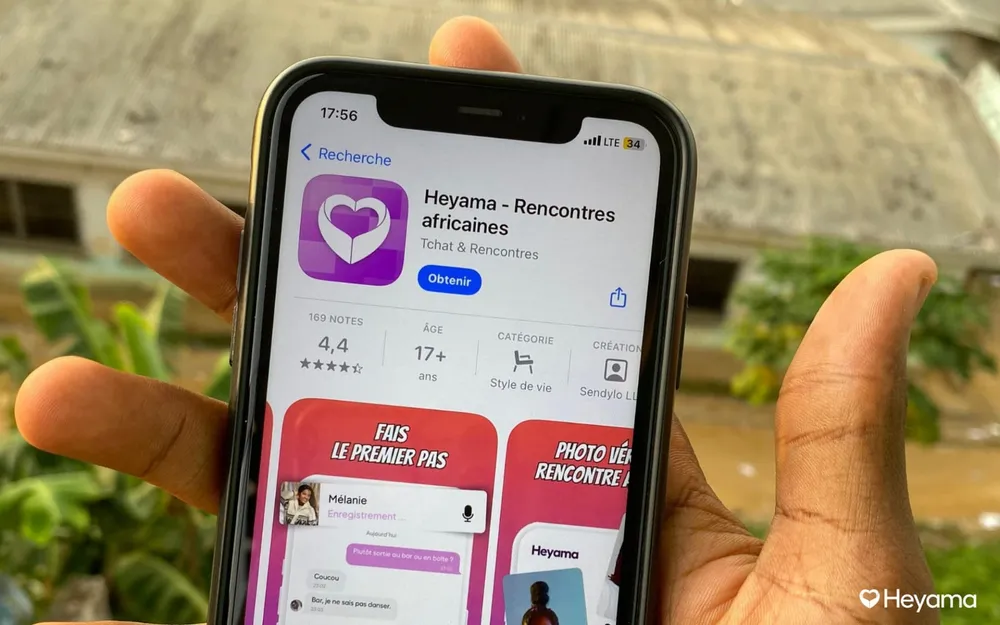

You have just come across a profile you like and want to chat with that person on Heyama? It is very simple. We explain how in this article, along with our tips to get matches faster.
How to chat with a profile on Heyama
To chat with another user, you need to like their profile by tapping the heart in the app. If that person also sees your profile and taps the heart, it creates a Match: you are instantly connected in your messages so you can chat.
Like, Match and Pass: what they mean
- Like: when you browse profiles and someone catches your eye, you can tap the heart (Like) button. It means you are interested in this person and would like to connect with them.
- Match: if two users have liked each other by tapping the heart, it creates a Match. Both then receive a notification telling them they have a match and can start a conversation.
- Pass: if a profile does not appeal to you or does not fit what you are looking for, you can tap the X (Pass) button. It shows you do not want to chat with that profile.
A Match means the interest is mutual: you both like each other. It is the perfect moment to start the conversation.
Tips to match quickly
- Smile in your profile photos. A natural smile makes your profile warmer and more approachable.
- Avoid blurry photos. Sharp, well-lit photos show you take your profile seriously.
- Be alone in your photos. People want to see you, not your friends.
- Make sure you share the same intentions before liking. This saves you disappointment and conversations that go nowhere.
- Be genuine in your bio. A few honest lines about yourself and what you are looking for make people want to know you. For help, read our tips to write a captivating bio.
Mistakes that hold your matches back
- A profile with no bio or just one photo.
- Group photos where nobody can tell which one is you.
- Liking every profile without looking: you risk matching with people who are not right for you.
- A negative bio, like "no time-wasters", that puts people off from the first line.
After the Match: start the conversation
Once the Match is made, do not leave the conversation empty for too long. A short, personal first message that ends with a question is far more likely to get a reply than a plain "hi". Pick up on a detail from their profile: a photo, a passion, a line from their bio.
To go further, find out how to start a great conversation after a Match.
Discover Heyama now by downloading the app for free on ANDROID or APPLE.