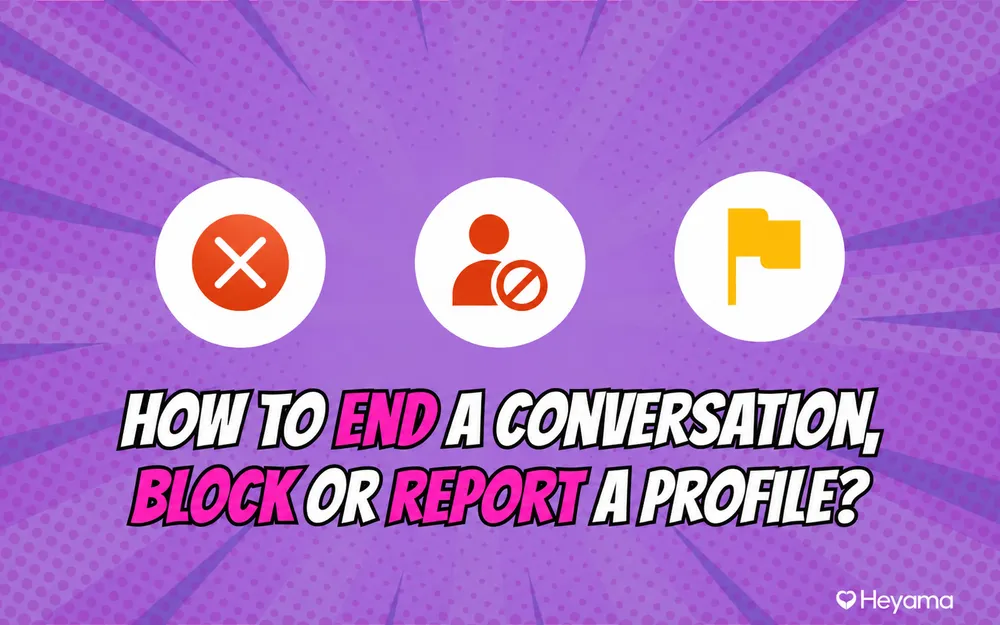
A conversation going nowhere, an unwanted profile, inappropriate behaviour: here are the simple steps to end a conversation, block a profile or report a profile on Heyama.
Please note: any abuse or unjustified report can lead to its author being banned outright.
How to end a conversation
Sometimes things don't go as planned, and that is perfectly normal. To end a conversation:
- Open the conversation you want to end.
- Tap the three dots at the top right.
- Select "End this conversation".
Tip: instead of the three dots, you can also long-press the conversation in your Chats list. The "More tools" menu also offers "Refresh conversation".
That's it, the conversation is now archived. If you change your mind, you can always reopen it from your archives.
A small tip: before ending it, a polite message such as "Thanks for the chat, I don't think we are looking for the same thing" is always appreciated.
How to block a profile
Your comfort and safety are our priorities. To block a user:
- Open the conversation with the profile you want to block.
- Tap the three dots at the top right.
- Choose "Block this profile".
The blocked profile will no longer be able to contact you. Blocking is not permanent: you can unblock the profile in Settings > Privacy > Blocked users > "Unblock" (it may cost coins).
How to report a profile
The Heyama community is built on respect and kindness. If you come across inappropriate behaviour, report it in one of two ways:
- From the Dates screen: open the profile's details, then tap "Report this profile".
- From a conversation: tap the three dots at the top right and select "Report this profile".
To report, your profile must be certified. Rest assured, reporting is completely anonymous and helps keep our community safe for everyone.
Block or report: which one to choose?
Block a profile if you no longer want that person to contact you at all. Report it if their behaviour is inappropriate, for example insults, harassment, requests for money or a fake profile. To spot these situations early, read our tips to chat safely on Heyama.