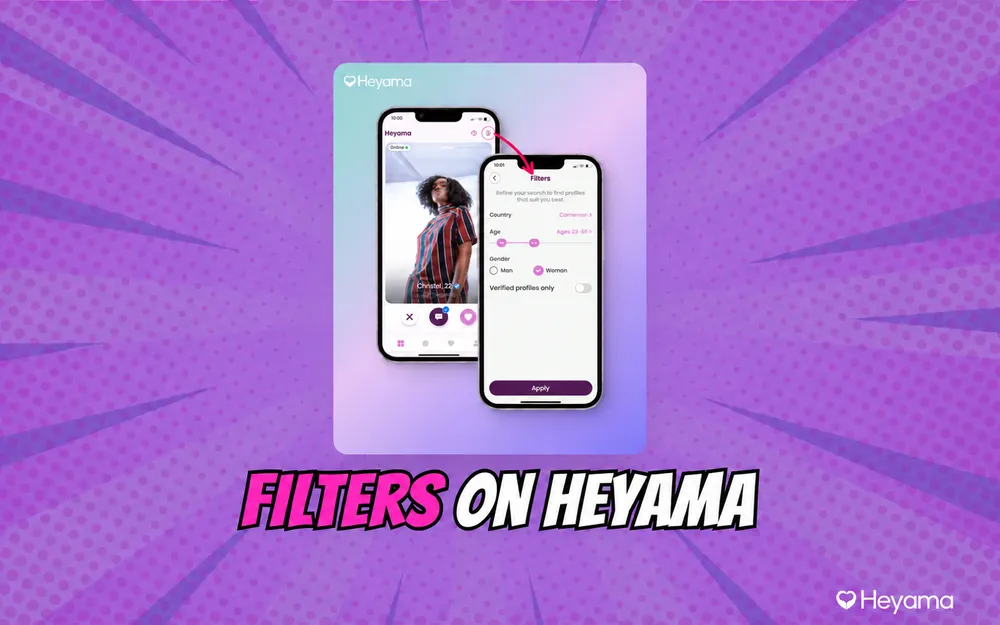
Heyama's filters are search options that let you set certain criteria to refine the profiles shown on the Dates screen. Set up well, they save you time and help you meet people who suit you.
To open them, tap the magnifier icon at the top of the Dates screen, or go to Settings > Preferences > Filters.
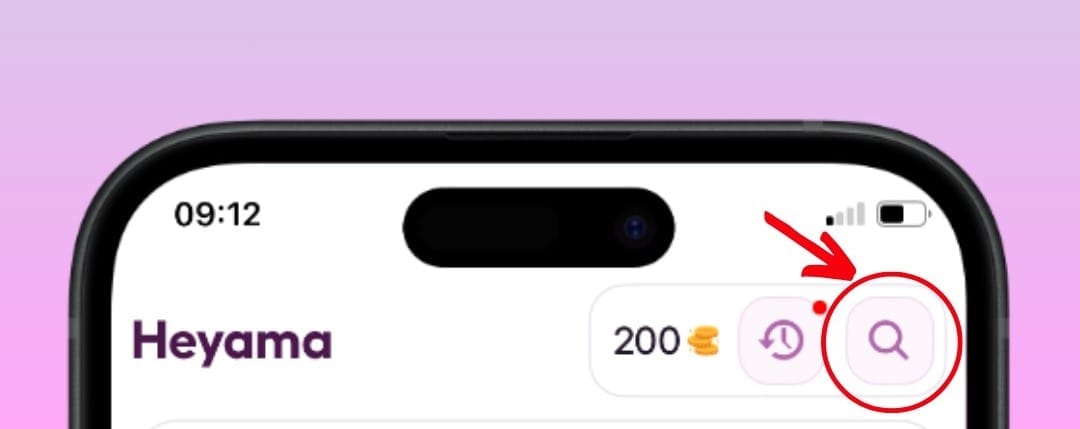
The search criteria available on Heyama
- City: filters profiles around the city you choose. Turn on "Search in the whole country" to widen the search.
- Direct Messages (DM): when you turn this option on (400 coins), you only receive DMs from people who match your filters.
- Age range: lets you set an age range for the profiles shown.
- Certified profiles only: shows only certified profiles. Your own profile must be certified to use it.
- Intention: Wedding, Friends, Fun or Sex (200 coins).
- Other criteria: kids, "Online profiles only" (200 coins), religion, "Spoken languages" and smoking.
Making the most of filters
- Don't be too strict: a very narrow age range sharply reduces the number of profiles shown.
- Explore other cities: living in the diaspora or planning a move back home? Pick another city to discover other profiles.
- Focus on trust: the "Certified profiles only" option is ideal if you only want to talk with certified profiles. Don't forget to verify your own profile too.
Once your filters are set, find out how to contact a profile you like.
Download Heyama now here.