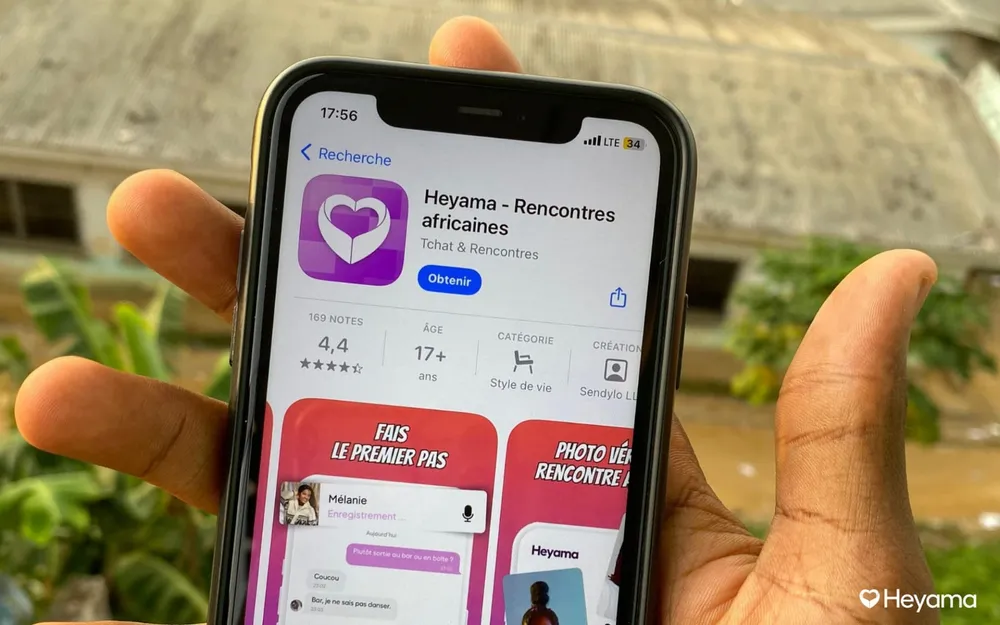

Verifying your profile on Heyama only takes a moment and is done with a simple selfie. Here is how to do it, step by step.
How to verify your Heyama profile
- Go to your Profile: under "Verify your profile to stand out.", tap "Verify".
- On the "Certification" screen, look at the picture of the gesture to copy ("Take a selfie in this posture.").
- Tap "Take the picture": the front camera opens. Take a selfie copying the gesture shown exactly.
A Heyama team member then reviews your selfie, within 24 hours. The selfie is not shown on your profile. You will receive a notification once your verification is complete, and 200 coins once your profile is certified.
Tips for a successful selfie
- Stand somewhere well lit, ideally facing the light.
- Keep your face clear: avoid sunglasses, caps or masks.
- Copy the gesture precisely, with no filter or editing.
Video guide
To understand why this step is worth it, read why verifying your profile matters, then find out whether verified profiles make dating safer.