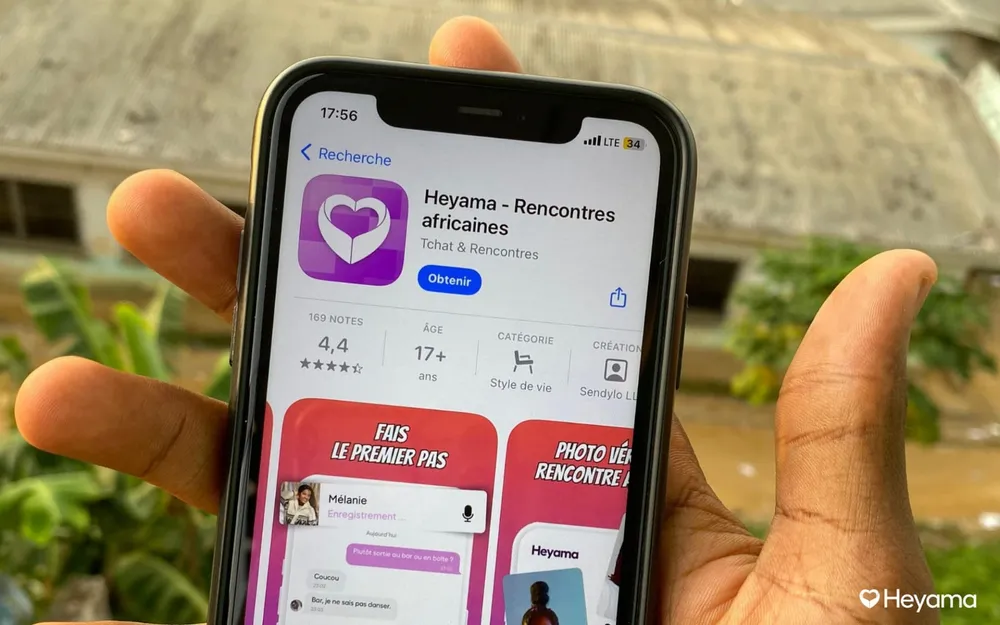

Want to get coins on Heyama? It is simple: you reach the coin purchase screen right from the app. Here is how, in text and on video.
How to get coins on Heyama
To buy coins on Heyama:
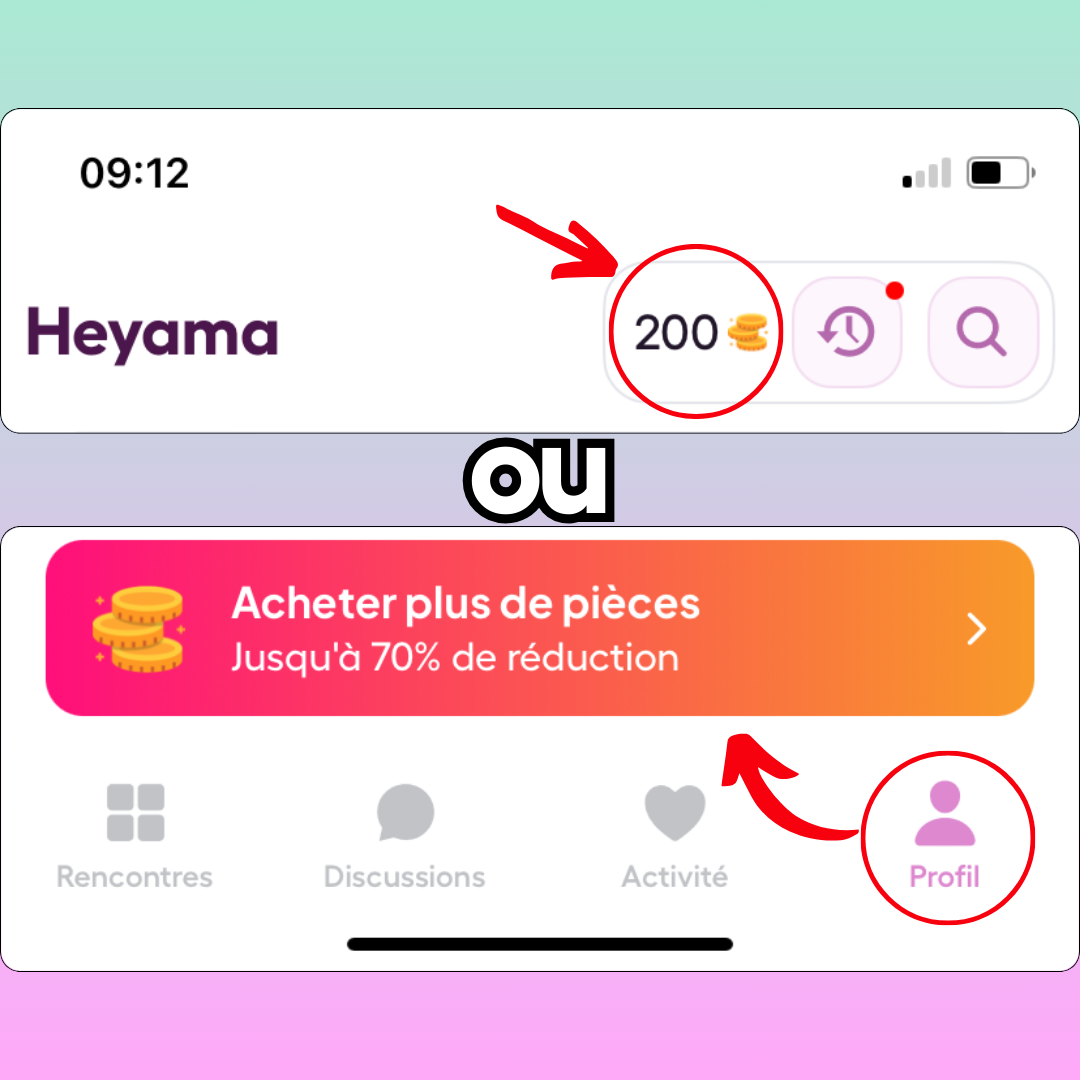
- tap the coin counter at the top of the Dates screen, or go to Profile > "My wallet";
- tap "Get more coins", then "Buy coins".
You can also earn some for free: a friend's referral code gives you 200 coins. Enter it in Settings > Tools > Referral.
Video tutorial
Learn more
Find out what coins are for on Heyama, and how to refer your friends on Heyama.