On dating apps, the biggest fear is running into a fake profile or someone who is not sincere. At Heyama, we know this, which is why we have put several safety and verification measures in place to keep conversations genuine.
How Heyama fights fake profiles
Checked photos and verification open to all
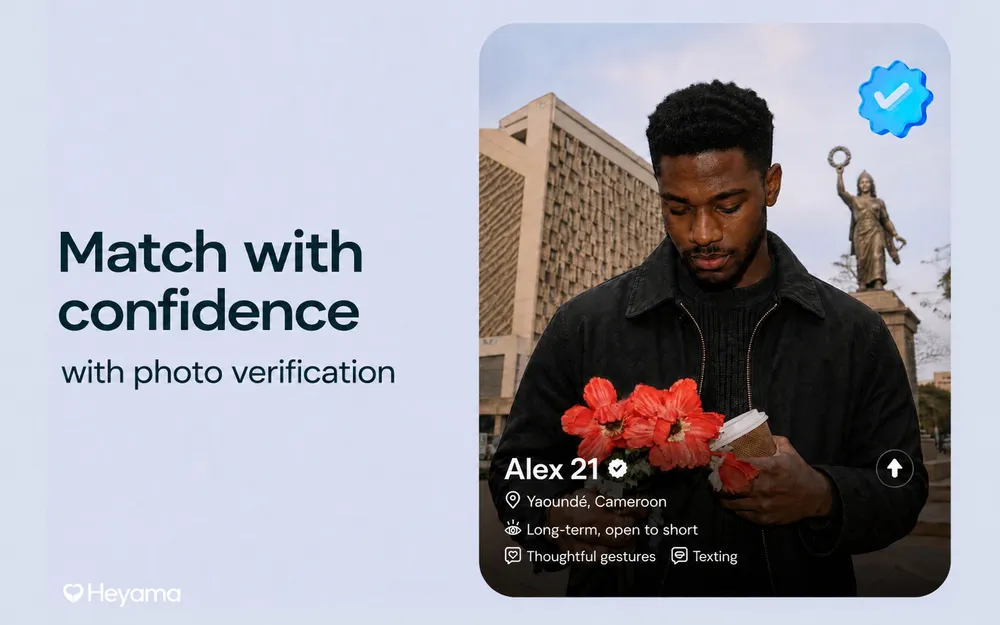
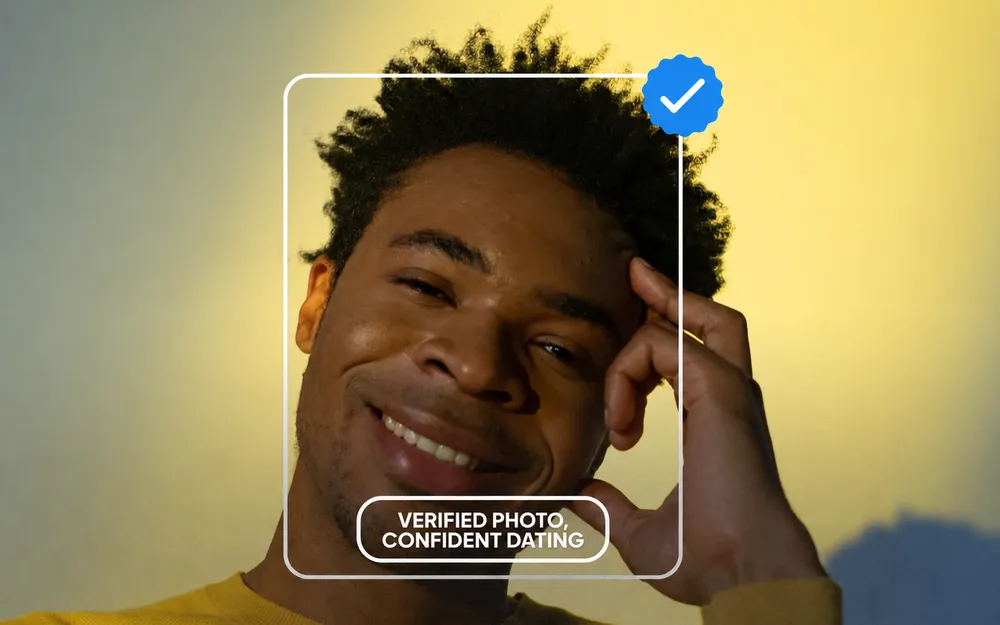
Every photo goes through a verification process: automatic checks, then approval by the team. Identity verification is offered to every member, with a selfie reviewed by the team. Our moderation team checks photos and handles reports, and can suspend or ban suspicious accounts.
If you have not done it yet, find out how to verify your profile on Heyama: a verified profile inspires more trust in the people you contact.
Clear intentions from the start
Every member states whether they are looking for a serious relationship, friendship or something else. This avoids misunderstandings and helps you match with people who are on the same wavelength.
How to spot a fake profile yourself
Verification tools and moderation do much of the work, but your own vigilance is still your best protection. These signs should put you on alert:
- Photos that look too perfect: a single photo, or pictures that look like a model shoot or an advert.
- An empty or very vague bio that says nothing about the person’s real life.
- A declaration of love that comes very fast, after only a few messages.
- A story that keeps changing: the city, job or family situation is different from one message to the next.
- Always refusing a call, with a new excuse every time.
- A request for money, whatever the reason: hospital bills, a plane ticket, a blocked transfer, phone credit.
Two simple checks
Run a reverse image search: with Google Images or Google Lens, you can check whether a profile’s photos appear elsewhere online under another name. If they do, be wary.
Ask specific questions about their city, neighbourhood or job. A real person answers naturally, with details. A fake profile stays vague or changes the subject.
Good habits to protect yourself
- Never send money to someone you have not met, however moving their story is.
- Keep your personal details to yourself at first: address, workplace, bank details.
- Take your time before leaving the app for another messaging service.
- For a first meeting, choose a public place and tell someone close to you.
- Report any suspicious behaviour (you need a verified profile to report): every report helps the moderation team protect the community. Here is how to end a conversation, block or report a profile.
What to do if you think you have met a fake profile
Even the most careful people can be fooled. If you have doubts, or if you have already been targeted:
- Stop all contact, without trying to justify yourself or confront the person.
- Do not send anything else: no money, photos or documents, even if you are promised a refund.
- Keep evidence: screenshots of the messages, the profile name, any numbers used. Screenshots are blocked in the app by default: you can allow them in Settings > Privacy > App Privacy.
- Report the profile so the moderation team can act.
- Talk to someone you trust, and if you have lost money, contact the authorities in your country.
There is nothing to be ashamed of: scammers are organised and know how to play on emotions. Acting fast also protects other members.
A sincere, respectful community
On Heyama, real connections grow in a healthy environment where respect, kindness and authenticity are at the heart of every encounter.
Join a sincere and safe community today.
👉 Download Heyama and discover profiles that match you.