
Dating apps have become essential for finding love. But that convenience comes with real safety concerns. Protecting your identity on dating apps is key to safe and enjoyable dating. Here are our tips to stay safe, the warning signs to watch for, and the safety measures Heyama has put in place.
7 tips to protect your identity on dating apps
1. Use appropriate photos and information
Avoid sharing sensitive personal information such as your address, your exact workplace or photos of official documents. Choose photos of yourself that do not reveal too much about your private life or where you live: no visible number plates, no recognisable house front, no work badge.
2. Choose a nickname
When you create your profile, use a nickname or just your first name rather than your full name. This adds a layer of protection and stops strangers from easily finding your personal information online, for example on your social media.
3. Be wary of links and requests for money
Never click on suspicious links sent by other users and never share your bank details. Be especially careful with people who ask for money or financial information, whatever the story: a medical emergency, a plane ticket, customs fees.
4. Use the block and report features
Heyama, like most dating apps, has block and report features. If someone makes you uncomfortable or harasses you, use them right away. Here is how to end a conversation, block or report a profile on Heyama.
5. Protect your contact details
Don't share your phone number, personal email address or other contact details until you are truly sure about the person you are talking to. Keep the conversation inside the app while you get to know each other.
6. Meet in public places
If you decide to meet someone in person, choose a public place and always tell a friend or relative where you are going, who with and at what time. Arrange your own transport so you can leave whenever you want.
7. Watch for red flags
Trust your instincts. If something feels off or someone makes you uncomfortable, you have every right to end the conversation.
Warning signs to look out for
- The person always refuses video calls or keeps finding excuses not to meet.
- They declare strong feelings very quickly, after just a few messages.
- They push to leave the app and move to another messaging service.
- They ask for intimate photos or specific personal details.
- Their story changes from one message to the next.
To go further, check our list of red flags to spot in the first conversations.
What to do if you think you are dealing with a scammer
- Stop sending money or personal information immediately.
- Take screenshots of the conversation and the profile.
- Report the profile in the app, then block it.
- If you have already sent money, contact your bank or Mobile Money provider as soon as possible, and file a complaint with the authorities in your country.
Don't blame yourself: scammers are organised and skilled at manipulation. Speaking up also protects other users.
The safety measures Heyama has put in place
Heyama takes its users' safety very seriously and has introduced several measures to make conversations safer:
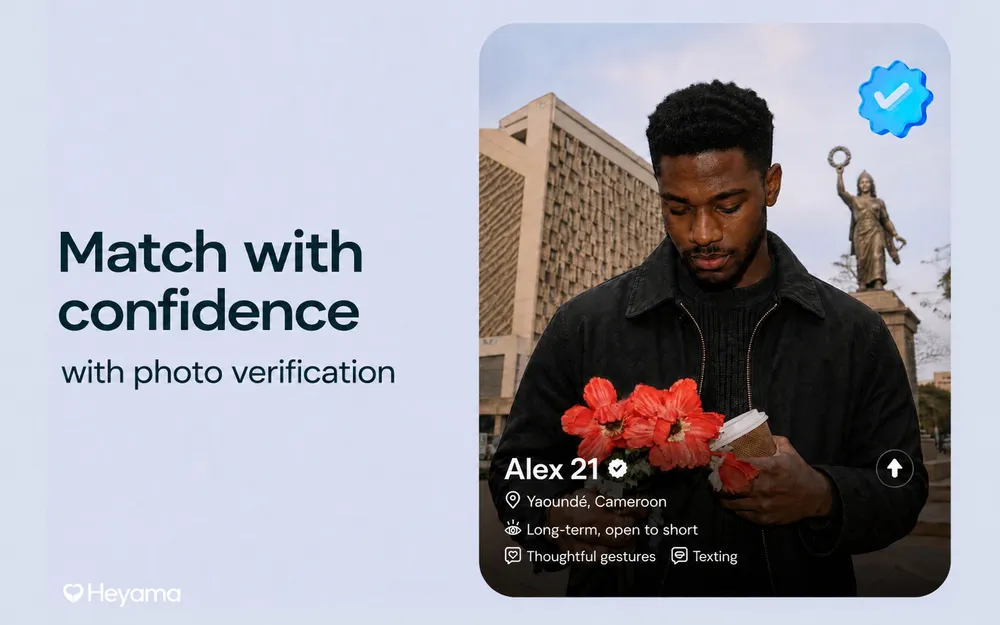
- Checked photos and certification: every photo goes through automatic checks and is approved by the team. Profile certification, with a selfie reviewed by the team, is offered to everyone: look for the "Certified profile" badge. This reduces the risk of talking to fake profiles or scammers.
- Contact details and screenshots blocked: DMs and bios that contain a phone number or an email address are refused, and screenshots are blocked by default across the whole app.
- Reachable support: if you run into a problem or a worrying situation, contact the team on WhatsApp from the app (Settings > Support) or by email at contact@heyamapp.com.
- Moderation: photos are checked and reports are handled by the moderation team, which can suspend or ban a profile.
Date with peace of mind
By following these tips and making the most of Heyama's safety measures, you can enjoy online dating with peace of mind. Stay alert, protect your information and focus on what matters: finding love and building meaningful relationships.